How to add user 8 0
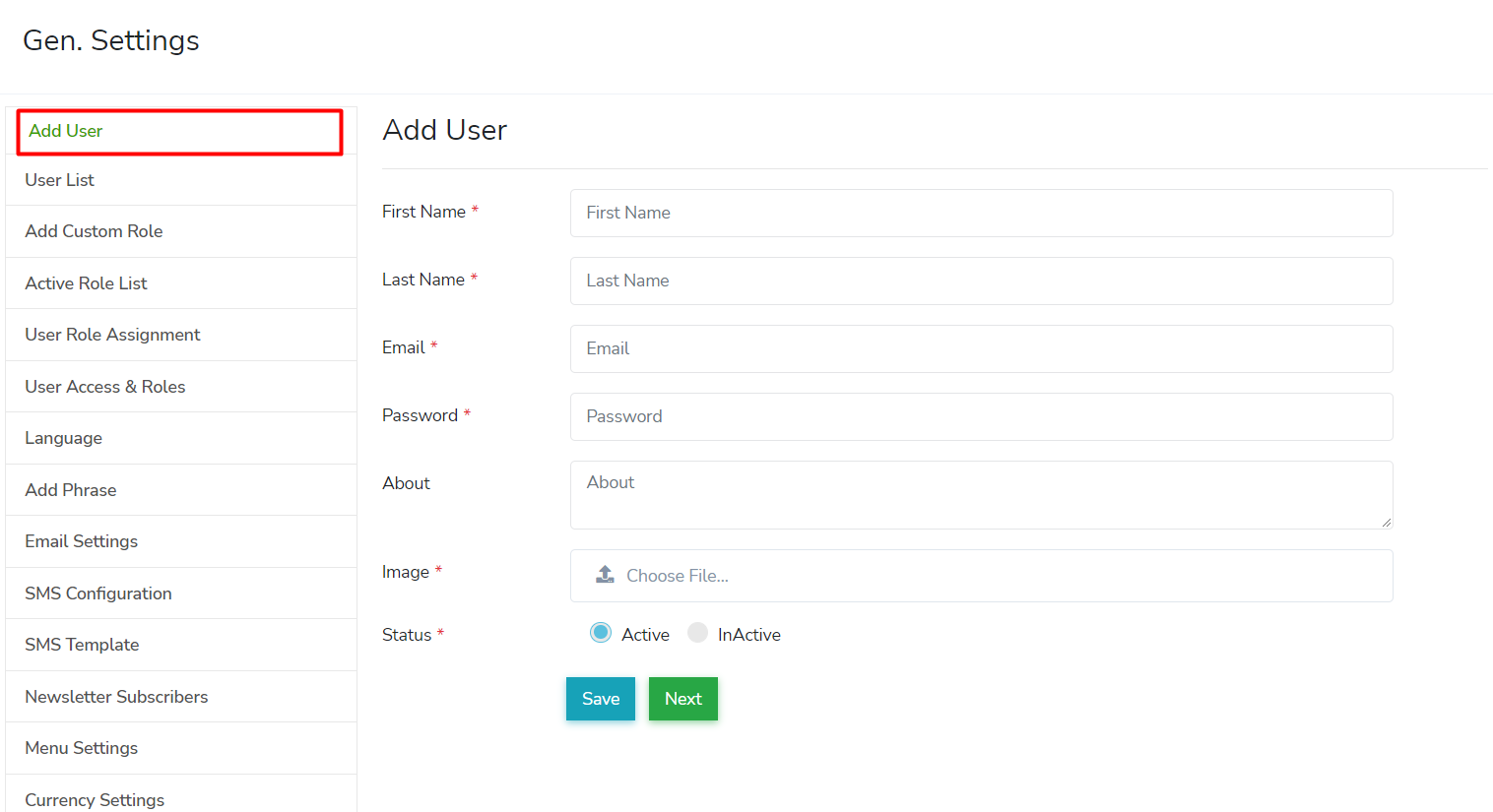
Go to General Settings > Add User
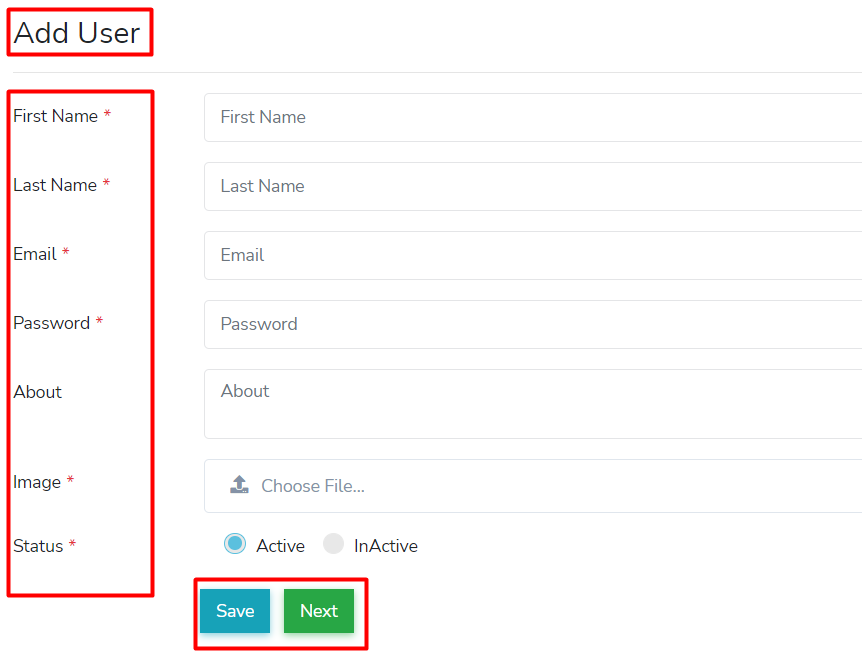
You can add user here easily by clicking on "Add User" and fill-out the required user information. 👍
Add the user's name, email address, user image and you can set the user status to active or inactive. You can assign the role you wish them to have under "User Role Assignment" section.
😮 No Email?
If user doesn't get their email please contact support with the user email address and we can create the user and provide them a password, the user can login and change their password later.
😮 Forgot Password?
The user can use the forgot password link on the login page, if this doesn't work please contact us to manually reset their password.