Get started - How to book a Room (Quick Guide) 4 0
in ePMS Guides
📝 Note: You can book a room quickly here (Direct Booking) and all website booking room reservations will appear on the dashboard. If you require additional information, you may search for separate knowledge posts for each module/page. 🔎📙
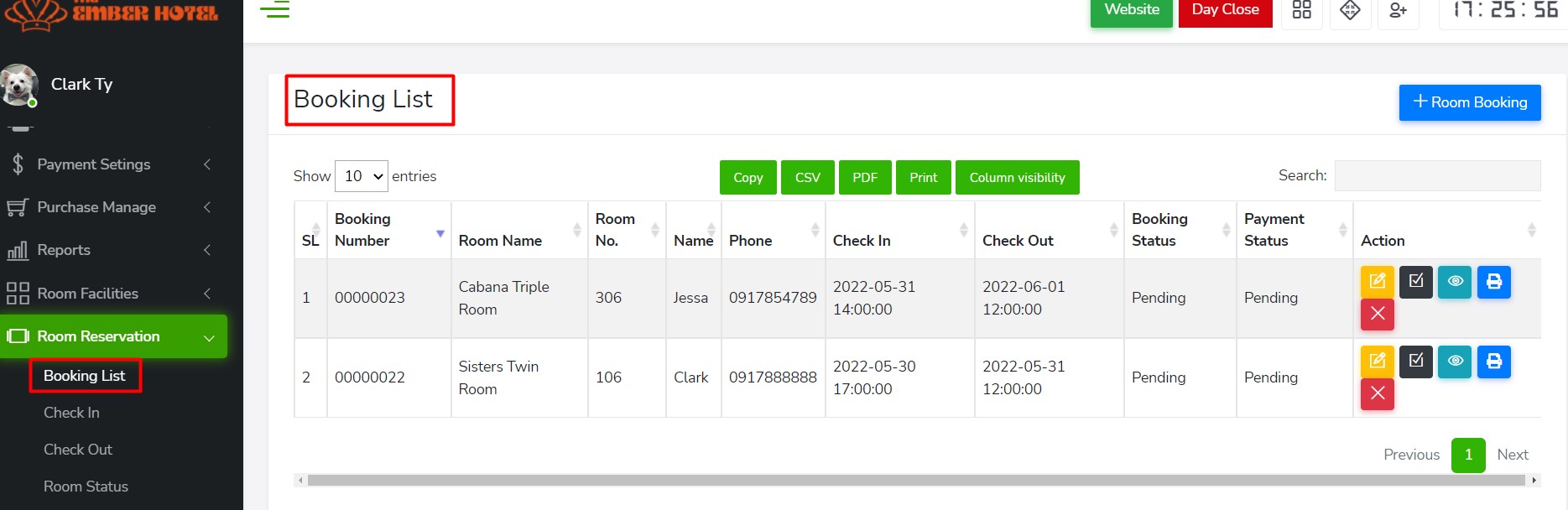
To book a Room > Go to Room Reservation > Booking List
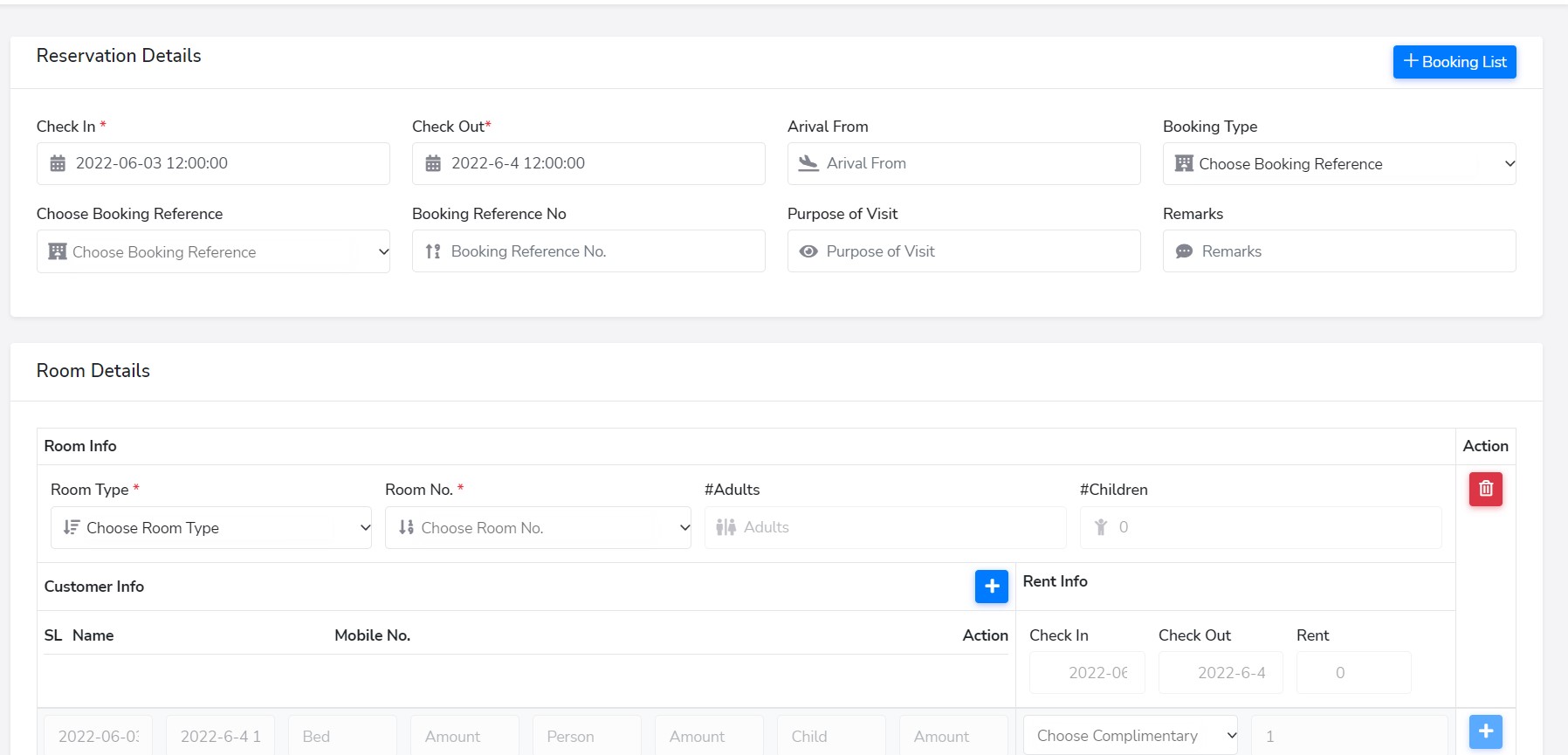
To add a booking reservation, click "+Room Booking" and fill out all the required information (reservation info, room details, customer info, payment details.)
*All room booking lists are easily accessible from here.
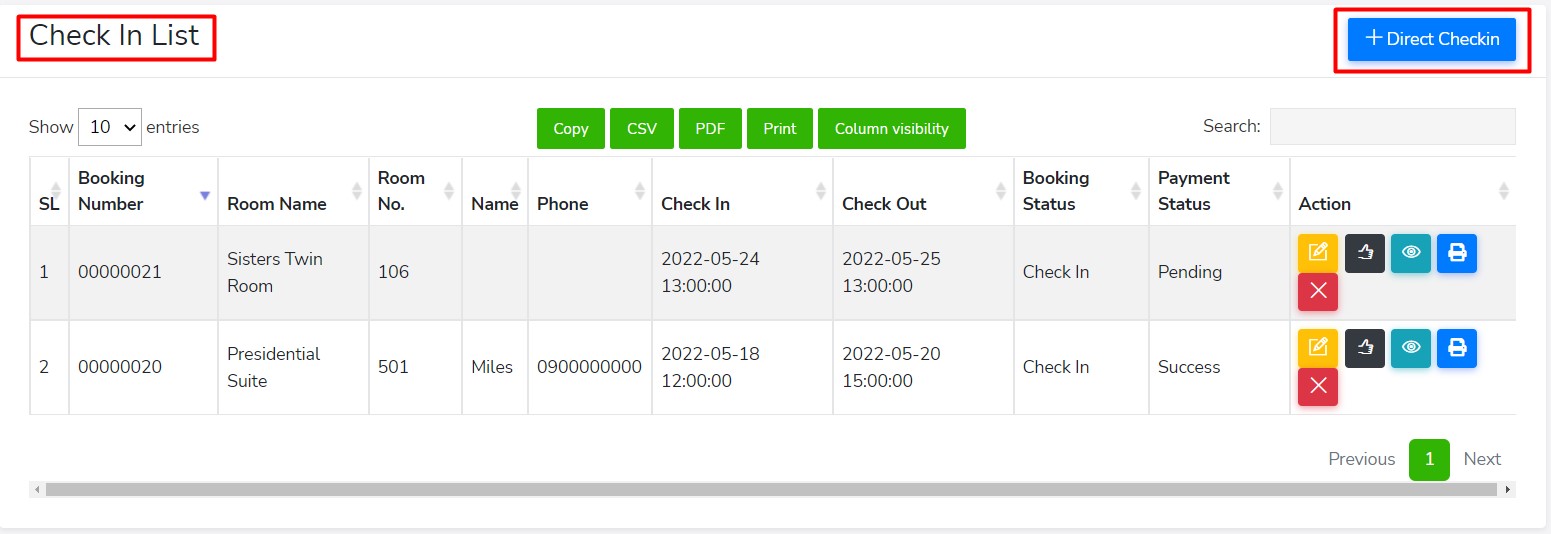
*All of today's and tomorrow's booking check ins are easily accessible from here.
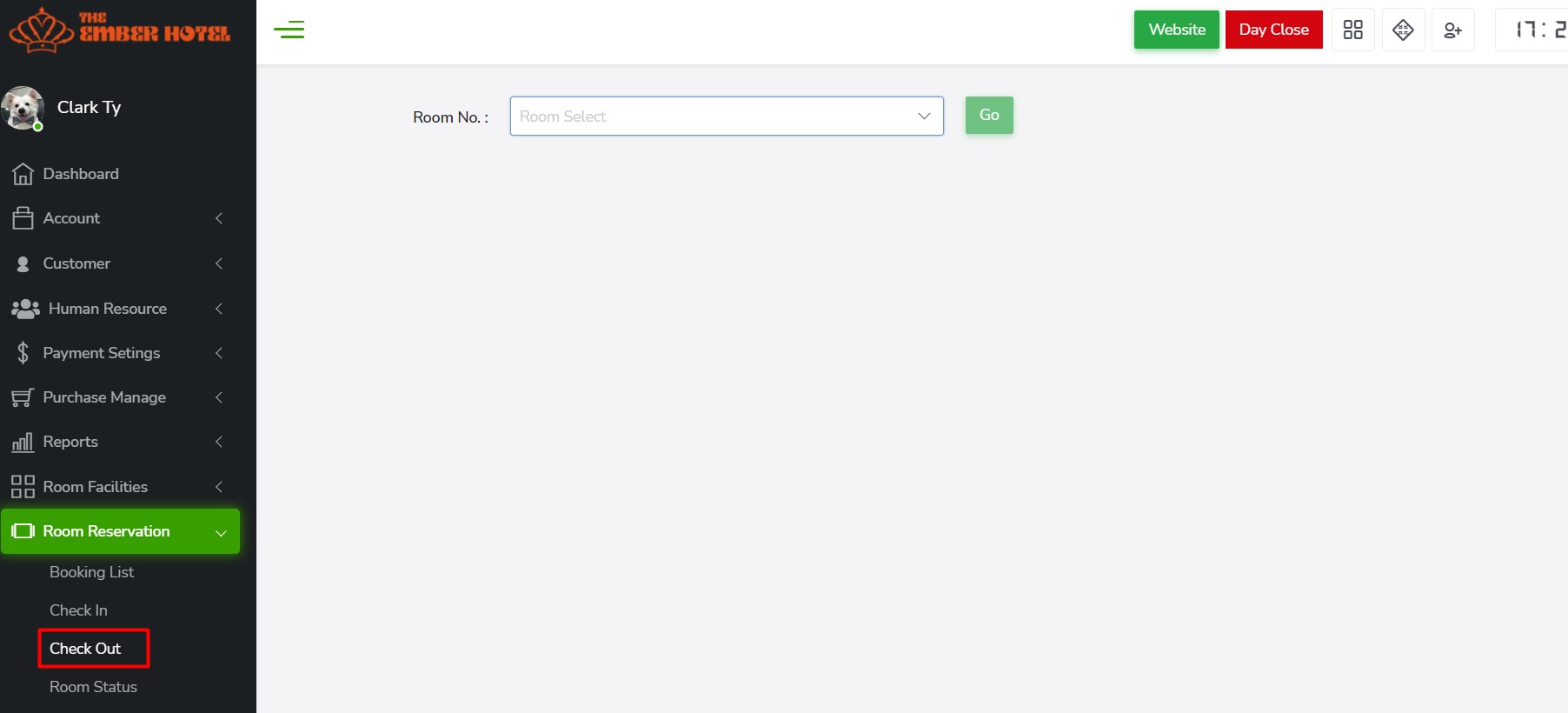
*All of today's and tomorrow's booking check outs are easily accessible from here.
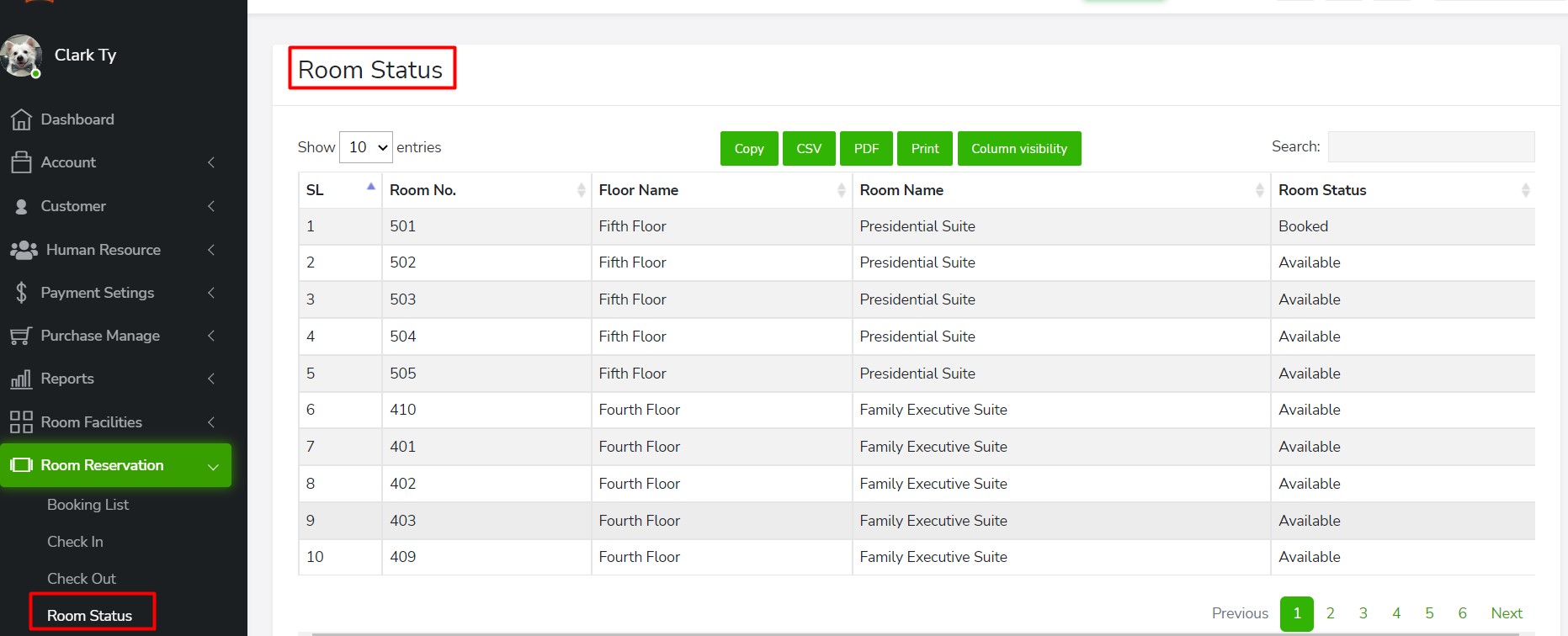
*Rooms status are easily accessible from here.