How to navigate the Dashboard 3 0
in ePMS Guides » Dashboard
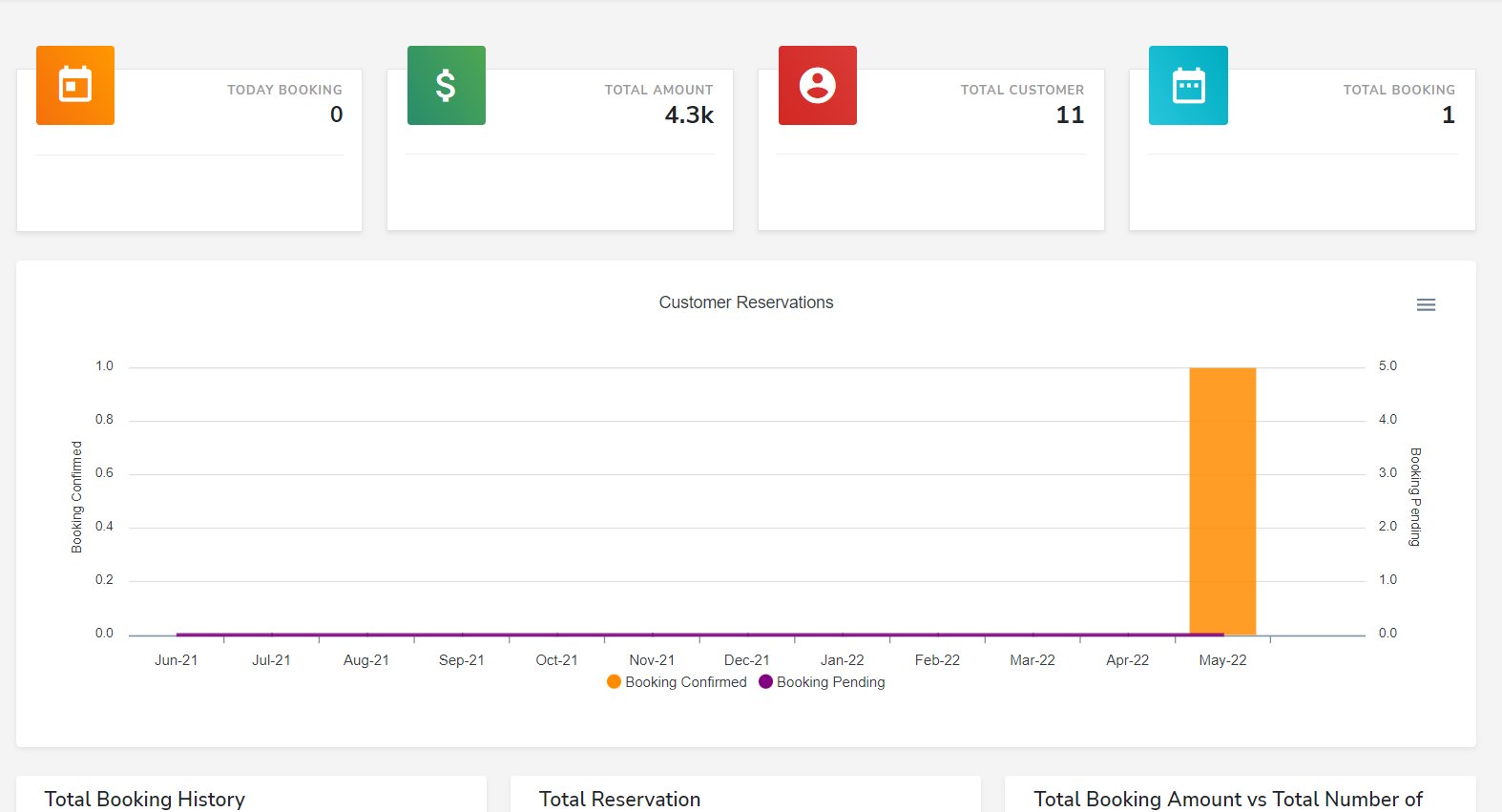
Hello! Let's go over the main features of the e-PMS and how to navigate it. 👋
When you log into the Emberspec PMS your dashboard will welcome you.
How to navigate the dashboard - Live feed, Check in, Check out & Statistics.📈

Live Feed - the live feed shows;
- Today’s booking - overall total amount, and total customer booked
- Booking Statistics - the graph shows customer reservations, cancellations, pending and total number of confirmed bookings so that the front desk team is aware of what is happening all the time.
- Customer Lists - shows all the customer list
- Today & Next Day Bookings - shows all incoming reservations for today and next day
Total Booking History: The colors are blue for check-in, green for check-out, orange for pending or new reservation and red for cancellations.
Throughout the PMS you are able to book reservation and make changes or to simply look around, proceed to "Room Reservation" > Booking List. 🛎️