How to manage Employee Attendance (Human Resource) 2 0
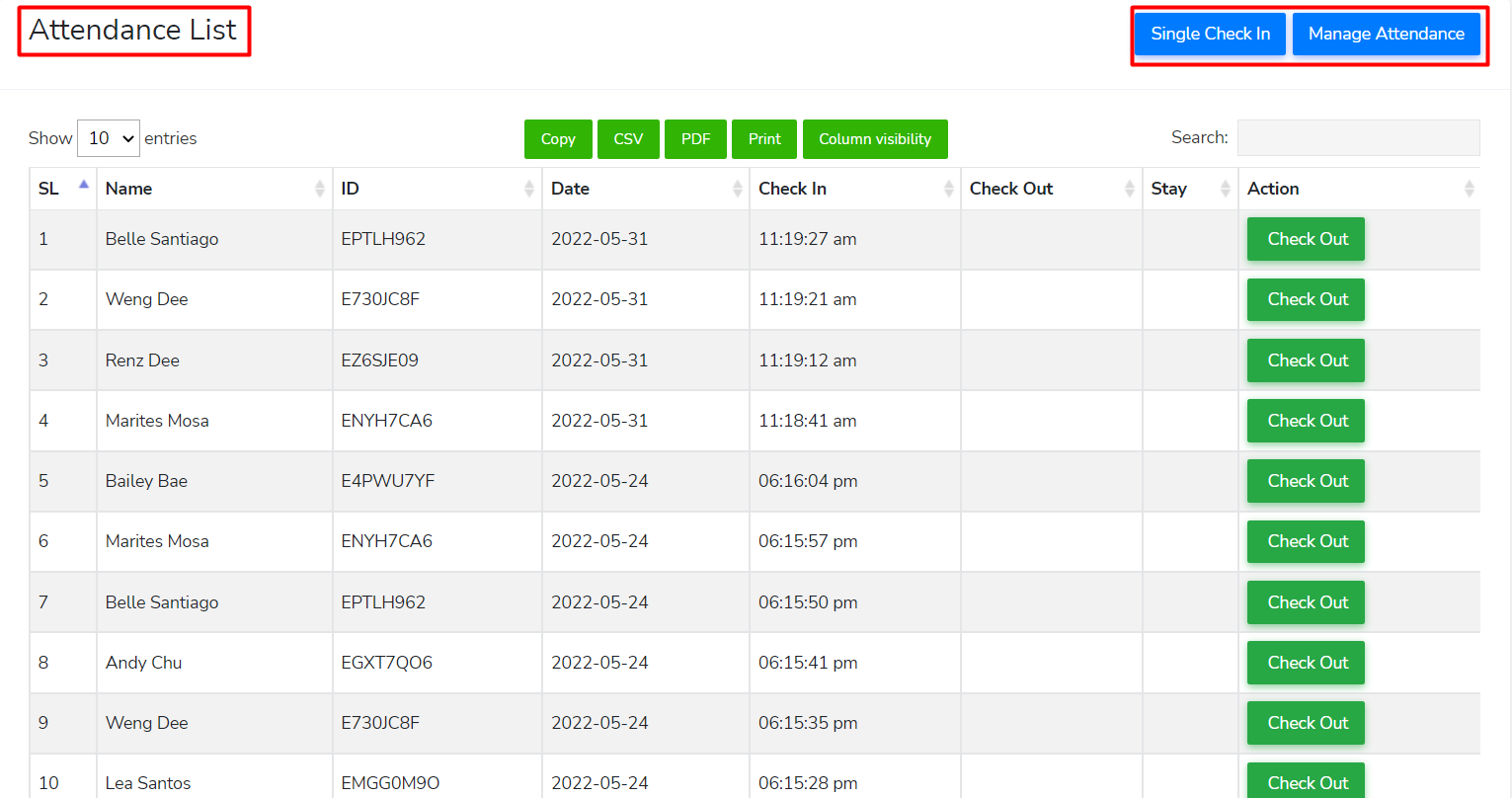
Go to Human Resource > Attendance
You can use this page to handle staff attendance (check-in/check-out). To manually choose employees who are ready for check-in, click the "Single Check In" button.
📝 Note: To be able to display the list of available employees, the time of "shift" and the dates specified in "rosters" must match the current date and time (today).